
Practical guides for owners who want to grow
We research what is working in marketing, AI and automation and publish it in plain language you can act on this week.
More than 300 articles from a decade of growing local businesses
[[countLabel]]
Tools to find your next win
 FREE AUDIT
Get one useful idea in your inbox each month
News, guides and announcements from LOJO. No spam, unsubscribe any time.
Get one useful idea in your inbox each month
News, guides and announcements from LOJO. No spam, unsubscribe any time.
PHP2Shell: What the PHP Security News Means for Your Website
If you have been following the news this week, you may have seen headlines about a serious security flaw in PHP, the programming language that runs behind most business websites. Some reports have called it one of the biggest web security events in years, and a few well-known websites even went offline while they waited for a fix.
Headlines like that can be unsettling, especially when your website is how customers find you, request quotes, or book appointments. The good news is that this problem has a clear fix, and the steps to protect your site are straightforward once you know what to look for.
Below, we explain what happened in plain language, why the version of PHP your website runs on matters, and what questions to ask your hosting provider. If LOJO Marketing hosts your website, we also share what we have already done to keep it protected.

What Happened
On October 20, 2026, details about two critical flaws in PHP leaked online before they were supposed to be made public. Security researchers have nicknamed the pair "PHP2Shell," and they are tracked as CVE-2026-109618 and CVE-2026-109619.
The PHP security team moved quickly and released an emergency update on October 21. They rated both flaws as critical, with a severity score of 9.2 out of 10, according to Patchstack.
What makes these flaws serious is where they live. They are not in a plugin, a theme, or one particular platform. They are in PHP itself, the engine that powers WordPress, Drupal, Joomla, Magento, Laravel, and many other website platforms. That means any website running an unpatched version of PHP can be exposed, no matter how well the rest of the site is maintained.
In simple terms, an attacker who finds a vulnerable website could run their own code on the server without ever logging in. From there, they could install hidden backdoors, change the site, or read sensitive information stored on the server.
Why This One Is Getting So Much Attention
Website vulnerabilities are reported all the time, and most never make the evening news. A few things set this one apart.
It affects a huge share of the internet. PHP runs roughly 70% of websites whose server language is known, based on W3Techs data cited by Infosecurity Magazine.
It reaches back many years. Wiz Research, the team that reported the flaws, found that every PHP version back to 5.4 is affected by at least one of them. Researchers showed the attack working against current WordPress, Drupal, and Joomla setups, according to Patchstack.
Attacks started quickly. Krebs on Security reported that working exploits exist and that Cloudflare detected attack traffic and added firewall rules to block it. Researchers expect criminals to use the flaw to plant backdoors that let them control infected websites remotely.
Major sites took precautions. According to NBC News, authorities in the U.S., Europe, and the U.K. recommended that vulnerable websites go offline temporarily until they could be fixed. Sites including Pinboard, 4chan, and parts of Wikipedia did just that. OpenAI, which helped bring the issue to light, called it "one of the most impactful security issues in recent memory."
Why Your PHP Version Matters
PHP comes in versions, much like the operating system on your phone. Newer versions receive security updates. Older versions eventually reach "end of life," which means the PHP team stops releasing fixes for them.
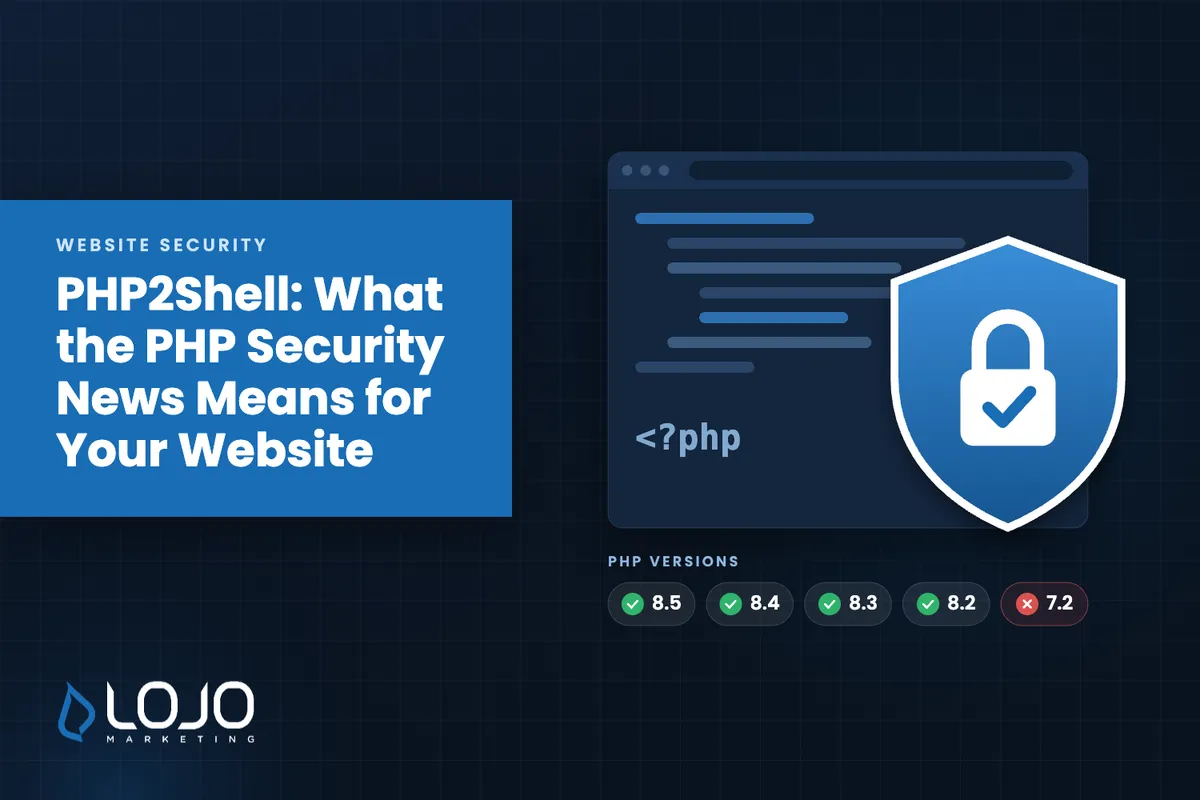
The PHP team released official fixes for the four versions it still supports. The Canadian Centre for Cyber Security lists them as follows:
| PHP version | Status of the fix |
|---|---|
| 8.5 | Fixed in 8.5.12 |
| 8.4 | Fixed in 8.4.27 |
| 8.3 | Fixed in 8.3.36 |
| 8.2 | Fixed in 8.2.35 (support for 8.2 ends December 31, 2026) |
| 7.4, 8.0, 8.1 | No official release; the PHP team published security patches that a hosting provider can apply |
| 7.3 and older (including 7.2) | No fix available |
That last row is where the real risk sits. Older versions such as PHP 5.6 and 7.2 still run on hundreds of thousands of servers, and those servers have no fix coming, according to CybelAngel. The only path forward for a website on one of those versions is to move it to a newer, protected version of PHP.
One more detail is worth knowing. The version number your site reports does not always tell the whole story. Many hosting providers apply security fixes to their own builds of PHP without changing the version number, and the update only takes effect once PHP is restarted. That is why it is worth confirming with your host that the fix itself is in place, not just checking which version you are on.

Is My Website Affected?
If your website runs on WordPress or another PHP-based platform, it was potentially exposed until its server received the fix. Whether it is protected now depends on your hosting provider and the version of PHP your site uses.
On most hosting plans, the provider controls PHP, not you. You cannot install the fix yourself on shared hosting, so the conversation starts with your host. These questions will get you a clear answer:
- Which version of PHP is my website running on today?
- Has the security fix for CVE-2026-109618 and CVE-2026-109619 been applied to my server?
- Was PHP restarted after the fix so the update is active?
- If my site is on PHP 7.3 or older, when can it be moved to a protected version?
- Have you checked my site for signs that it was accessed before the fix was in place?
A reliable provider should be able to answer each of these without hesitation. If the answers are vague, or if no one can tell you which version you are on, treat that as a reason to follow up.
If Your Website Is Hosted Somewhere Else
If another company hosts your website, or if you manage your own server, here is a practical checklist to work through this week:
- Confirm the fix is installed. Ask your host the questions above and get the answers in writing.
- Upgrade older PHP versions. If your site runs PHP 7.3 or older, plan the move to a supported version now. Older websites sometimes need small code updates to work on newer PHP, so test the site afterward.
- Look for signs of trouble. Ask your host or developer to scan for unfamiliar files, new administrator accounts, or changes to core website files.
- Change important passwords. Researchers showed the flaw could expose passwords and keys stored in server memory. Updating your website admin, hosting, and database passwords is a sensible precaution.
- Keep everything else current. Your platform, plugins, and themes should stay updated too. Our Website Security guide covers these everyday habits in more detail.
Official guidance from CERT-EU and other national security agencies is consistent: updating PHP is the real fix, and firewall rules or setting changes only buy time.
What LOJO Has Done for the Websites We Host
If LOJO Marketing hosts your website, it is protected.
As soon as the issue came to light, our team reviewed every website on our servers. We confirmed each one is running PHP 7.4 or newer, moved any site that needed it onto a protected version, and applied the security patches each one required. That keeps every website we host off the older versions that have no fix available.
Those updates are complete, and we continue to monitor for anything new.
This is part of what website hosting and website maintenance should include. Most business owners do not have time to track security advisories, and they should not have to. Our job is to watch for issues like this and act on them, so your website keeps working for your business.
Take One Practical Step
If your website is hosted somewhere other than LOJO, send your provider the questions above today. A short reply confirming your PHP version and the fix will tell you where you stand.
If you know a business owner who relies on their website, consider sending them this article. Many small businesses do not know which version of PHP their site runs on, and a quick conversation with their host could save them a much bigger problem later.
If you are unsure whether your website is protected, or you would like a second set of eyes on it, contact our team. We are happy to help you find out where things stand and what, if anything, needs attention.
Sources
- Major security alert: PHP vulnerable to critical RCE, Patchstack
- Critical PHP Vulnerabilities Leaked Ahead of Scheduled Security Patches, Infosecurity Magazine
- Widespread PHP Flaw May Cause Many Site Outages Today, Krebs on Security
- Critical vulnerabilities in commonly used web code spark rush to update systems, NBC News
- Alert AL26-026: Critical vulnerabilities impacting PHP, Canadian Centre for Cyber Security
- What We Know About php2shell, CybelAngel
- Security Advisory 2026-018, CERT-EU